Facebook Account vs Page: Essential Differences You Must Know
Understanding Facebook Accounts
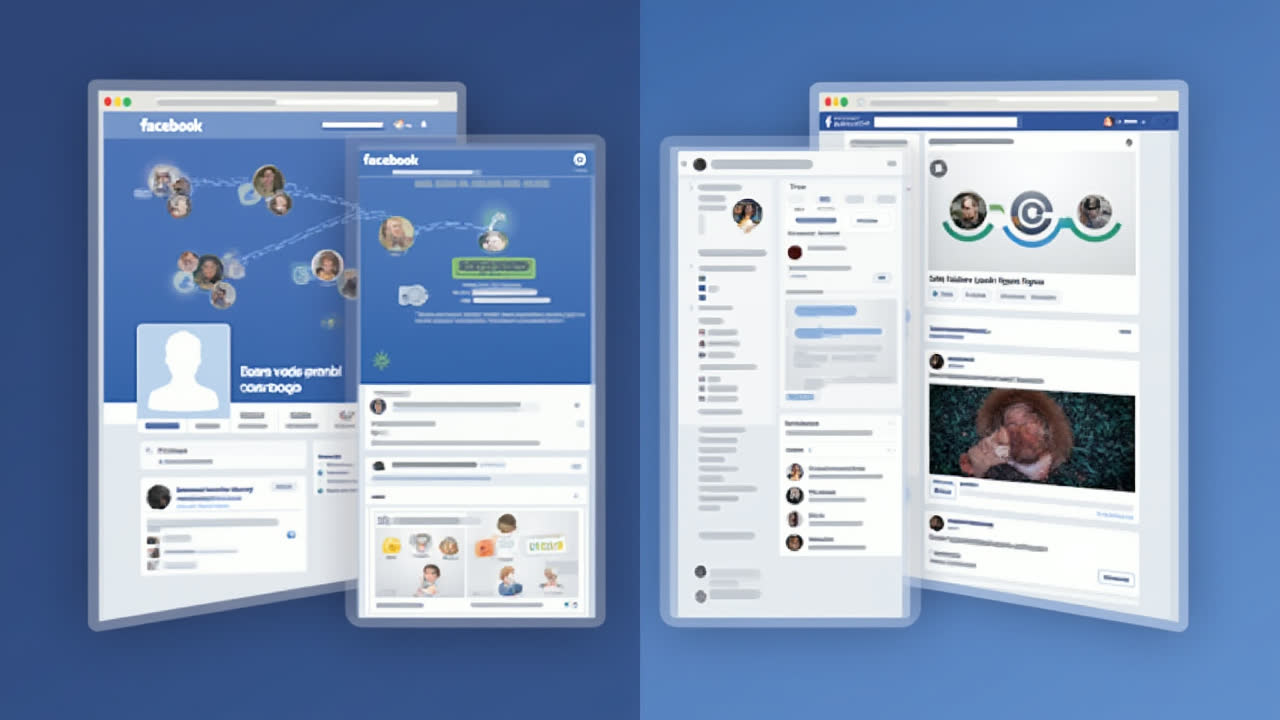
A Facebook account represents your personal identity on the platform. It's the gateway to the Facebook universe that you create when first signing up. Think of it as your digital home where you share life updates, connect with friends and family, and engage with content that matters to you personally.
Creating a Facebook account is straightforward – you simply provide basic information like your name, email or phone number, birthdate, and gender. Once verified, you're granted access to your personal profile. Remember, you must be at least 13 years old to create an account, as per Facebook's terms of service.
Your personal Facebook account gives you control over your privacy settings. You can decide who sees your posts, photos, and personal information – options typically include just you, your friends, friends of friends, or making content public. Most users keep their content visible only to friends, which is why personal accounts aren't ideal for promoting businesses or reaching a wider audience.
There are some noteworthy limitations to Facebook accounts. You can only have 5,000 friends maximum, which might seem like a lot for average users but becomes restrictive for public figures or businesses trying to build a following. Additionally, accounts don't offer analytics or advertising capabilities, making them unsuitable for marketing purposes.
Exploring Facebook Pages
In contrast to personal accounts, a Facebook Page functions as a public profile specifically designed for businesses, brands, organizations, public figures, and causes. Pages allow entities to establish an official presence on Facebook where they can connect with their audience, share updates, and build a community of followers.
Creating a Facebook Page requires you to already have a personal Facebook account. The process involves visiting facebook.com/pages/create, selecting an appropriate category for your page, and filling in relevant details about your business or organization. Don't worry – your personal information remains separate from your Page.
What makes Pages particularly valuable for businesses is their public nature. Unlike personal profiles where content visibility is often restricted, everything posted on a Page is publicly accessible by default. This open accessibility means anyone on or off Facebook can discover and interact with your content, significantly expanding your potential reach.
Facebook Pages come with powerful tools that personal accounts lack. Business Pages can access detailed analytics through Facebook Insights, which provides valuable data about audience demographics, engagement rates, and content performance. This information helps Page owners optimize their content strategy and better understand their followers.
Perhaps most importantly for businesses, Pages can create and run advertising campaigns through Facebook Ads Manager. This feature allows targeted promotion to specific demographics, locations, and interest groups – something impossible with personal accounts. The advertising capabilities alone make Pages essential for any business serious about social media marketing.
Key Differences Between Facebook Account and Facebook Page
| Feature | Facebook Account | Facebook Page |
|---|---|---|
| Primary Purpose | Personal networking and social connections | Business, brand, or public figure promotion |
| Privacy Options | Customizable privacy settings | Always public by default |
| Connection Limit | Maximum 5,000 friends | Unlimited followers/likes |
| Analytics | Not available | Detailed insights and metrics |
| Advertising | Cannot run ads | Full advertising capabilities |
| Creation Requirement | Email/phone verification | Requires existing Facebook account |
| Search Visibility | Limited based on privacy settings | Fully searchable and indexed |
| Management | Single owner only | Multiple admins and varied permission levels |
When to Use a Facebook Account
Personal Facebook accounts are ideal for individuals looking to connect with people they know in real life. They're perfect for staying in touch with friends and family, sharing personal updates, and joining groups based on your interests. Have you ever wondered why some people seem to have better privacy on Facebook? It's because they're using their personal accounts wisely.
Using a personal account makes sense when privacy matters to you. You can carefully control who sees your content, which isn't possible with Pages. This makes accounts the right choice for sharing family photos, life events, and personal thoughts that aren't meant for public consumption.
Facebook accounts also excel at creating genuine connections. Unlike Pages, where relationships are more one-sided (followers and likes), accounts allow for reciprocal friendships. This two-way street creates more meaningful engagement – friends see your content in their feeds more reliably than Page followers do, thanks to Facebook's algorithm favoring personal connections.
If you're just an everyday Facebook user without business motives, sticking with your personal account makes things simpler. You won't need to manage multiple presences on the platform, and you can still join and participate in groups, events, and conversations that interest you personally.
When to Use a Facebook Page
Facebook Pages should be your go-to option if you're running a business, managing a brand, promoting an organization, or building a public persona. They're specifically designed to help entities reach a broader audience and market themselves effectively on the platform. I've seen countless small businesses grow their customer base simply by creating and actively maintaining a Facebook Page.
The unlimited follower capacity makes Pages essential for anyone looking to build a large audience. Unlike personal accounts with their 5,000 friend limit, Pages can accumulate millions of followers. This scalability ensures your social media presence can grow alongside your business without hitting arbitrary ceilings.
The analytics features alone justify creating a Page for business purposes. Facebook Insights provides valuable data about who your followers are, when they're online, which content performs best, and how your Page compares to competitors. This information is gold for refining your social media strategy and improving engagement rates.
Advertising capabilities represent another compelling reason to use Pages. With Facebook's sophisticated ad targeting, you can reach potential customers based on demographics, interests, behaviors, and locations. This precision targeting helps maximize your marketing budget by showing ads only to those most likely to be interested in your offerings.
Pages also offer professional credibility that personal accounts can't match. When consumers search for a business on Facebook, they expect to find an official Page – not someone's personal profile. Creating a proper Page signals professionalism and helps customers distinguish legitimate businesses from potential scams.
Common Mistakes to Avoid
One of the most frequent errors I see is businesses using personal accounts instead of Pages. Not only does this limit your marketing potential, but it also violates Facebook's Terms of Service, which explicitly state that personal profiles should represent individuals, not businesses or organizations. Your account could get suspended if Facebook discovers you're using it for business purposes.
Another mistake is creating multiple personal accounts. Facebook allows only one personal account per individual. If you want to separate your personal and professional lives, the correct approach is to have one personal account and create a Page for your business – not to make multiple personal accounts.
- Using personal accounts for business purposes
- Creating multiple personal accounts (against Facebook's rules)
- Failing to optimize privacy settings on personal accounts
- Not assigning multiple admins to important Pages
- Neglecting to use Page insights to improve content strategy
Many users also fail to properly leverage the unique features of each option. Personal accounts have robust privacy tools that often go unused, leaving sensitive content more visible than intended. Conversely, Page owners frequently underutilize analytics, advertising options, and post scheduling capabilities that could dramatically improve their results.
Frequently Asked Questions
Can I convert my personal Facebook account to a Facebook Page?
Yes, Facebook does offer an option to convert your personal profile to a Page. However, this process comes with several important considerations. When you convert, your profile pictures and cover photos will transfer to the new Page, and your friends will automatically become followers of the Page. But be warned – you'll lose all your posts, photos, videos, and other content from your personal timeline. Facebook recommends downloading a copy of your information before proceeding with the conversion. Also, once converted, this action cannot be undone. A better approach for most users is to keep their personal account and create a separate Page for business or public figure purposes.
How many Facebook Pages can I create with one account?
There's no strict limit to how many Facebook Pages you can create with a single personal account. Facebook's official stance is that you can create and manage multiple Pages from one account, which is especially useful for professionals who manage various brands or businesses. However, there are some practical limitations to consider. Each Page requires regular attention and content updates to remain effective, so managing too many could become overwhelming. Additionally, if Facebook detects unusual activity across numerous Pages linked to one account, it might trigger a security review. For most users, quality trumps quantity – it's better to maintain a few well-managed Pages than many neglected ones.
Can Facebook Pages message people who don't follow them?
Facebook Pages have limited messaging capabilities compared to personal accounts. A Page can't proactively message someone unless that person has initiated contact first. This restriction exists to prevent spam and unwanted solicitation. There are, however, a few exceptions and workarounds. If someone comments on your Page, you can reply to them directly. You can also respond to reviews or recommendations left on your Page. For broader communication with potential customers who haven't yet engaged with your Page, Facebook offers advertising options like "Message" ads that encourage users to start a conversation with your business. This balances business needs with user privacy protection. Some Pages may also qualify for additional messaging features based on their size and category.
Making the Right Choice for Your Needs
Choosing between a Facebook account and a Facebook Page ultimately depends on your specific goals. For personal use and connecting with people you know, a personal account offers the privacy controls and friend-based networking you need. For business promotion, building a brand, or establishing a public presence, a Page provides the necessary tools for growth and engagement.
Many successful Facebook users actually maintain both: a private personal account for friends and family, and one or more Pages for their professional endeavors. This separation keeps personal content private while allowing public promotional content to reach its widest possible audience.
Remember that Facebook's platform continuously evolves, with features and policies changing regularly. Staying informed about these changes helps you maximize the benefits of whichever option you choose. Have you checked your account or Page settings lately? It might be worth reviewing them to ensure they still align with your current goals.
Whether you're just starting out on Facebook or reassessing your existing presence, understanding the fundamental differences between accounts and Pages is the first step toward effective use of the platform. Apply what you've learned here to make informed decisions about your Facebook strategy going forward.